Commands
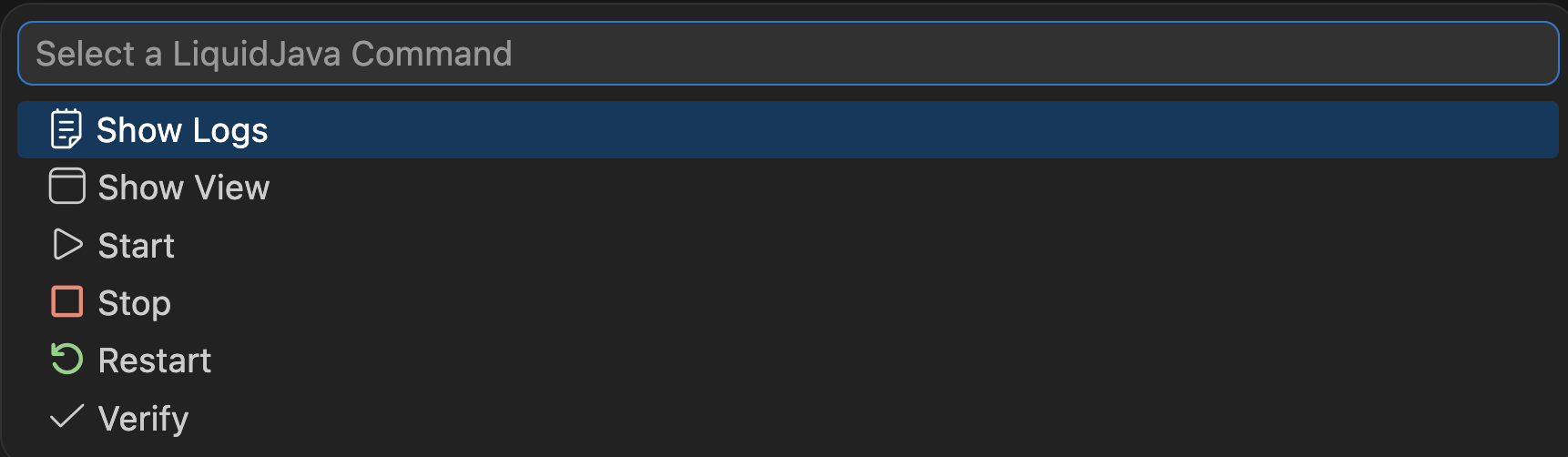
The extension provides commands to control the extension lifecycle, trigger verification manually, and open the webview and output channel:
| Command | Description |
|---|---|
Show Logs |
Opens the output channel with LiquidJava logs |
Show View |
Opens the LiquidJava webview |
Start |
Starts the LiquidJava language server and client |
Stop |
Stops the LiquidJava language server and client |
Restart |
Stops and then starts the LiquidJava extension |
Verify |
Manually triggers the verification |
The extension adds a command that opens a palette listing the available LiquidJava commands. This command is executed when the status bar indicator is clicked, giving users a quick way to access extension actions.